Video interview software for recruitment agencies
Hold the interview in your own room in the browser, or send questions for the candidate to answer on camera when it suits them. Either way you get a recording with a transcript, and it goes to your client on a Talent Dashboard (the client shortlist) with the CV beside it.
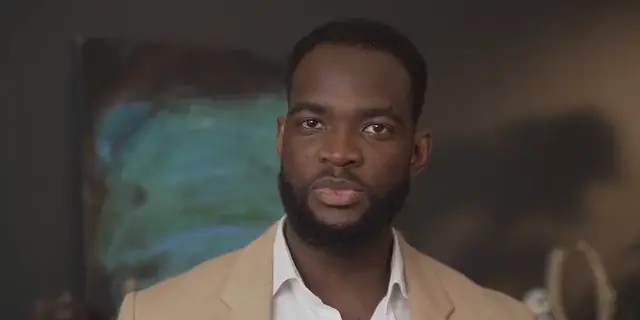
Interview in a room of your own
Everyone in the workspace gets a room, and its link never changes, so it can live in your email signature. Send the link yourself, or send the room's booking page and let the candidate pick a time.
The candidate opens it in the browser on a laptop or a phone. There's no account to make and nothing to install. A call takes up to 6 people, so a colleague or the client can sit in.


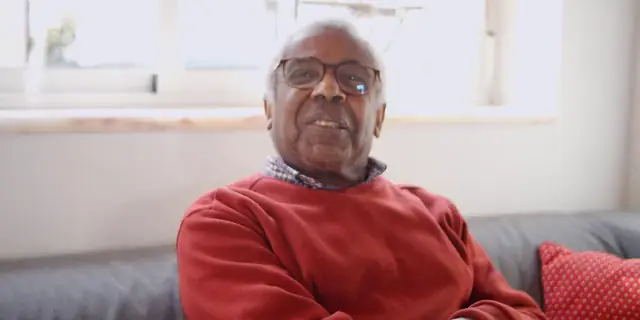
A replica of a live room. The people shown are stock footage under invented names.
Nobody is recorded until they've agreed
In a live room every guest is asked before recording starts, and it starts only once they've all agreed. If someone joins while a recording is running, it pauses for everyone until that person has answered: it carries on if they agree and stops if they decline. Nobody is in a recording before they agreed to it, and each answer is kept with the room.
The question on a guest's screen names you, says the recording is kept by your agency and says who it may be shared with. If they decline, nothing is recorded.
The room records in your browser and uploads as it goes, so keep the tab open until it tells you the recording is saved.
A replica of a live room at the moment a guest is asked. The people shown are stock footage under invented names.
Read the interview back
Each recording gets a timestamped transcript. No software scores or ranks a candidate.
Search the transcript for a word, press the time beside a line and the video plays from there. Captions come from the same transcript.
In a live room, press M when something's said that you'll want again. Each mark becomes a chapter on the recording, starting a few seconds before you pressed.
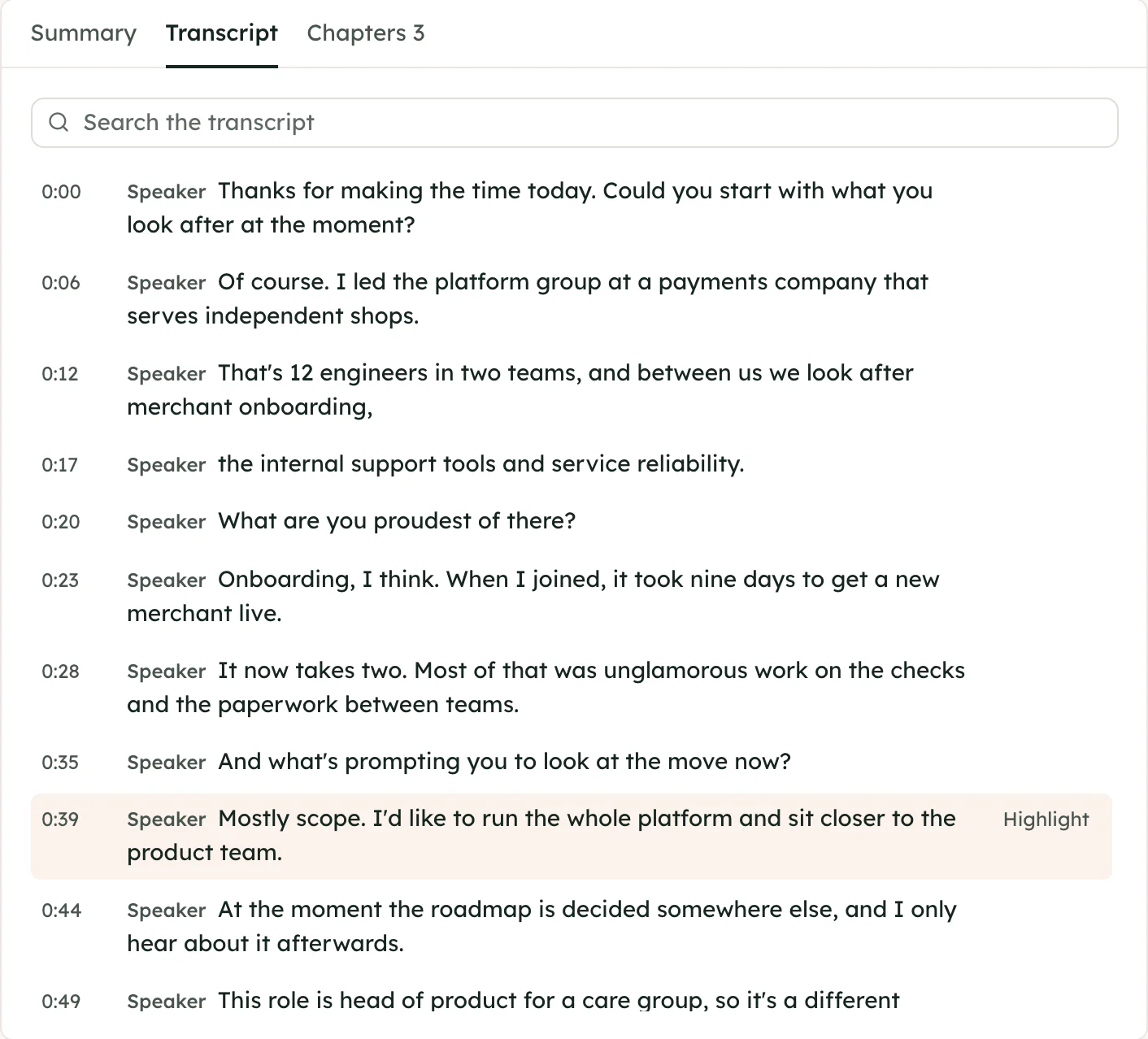
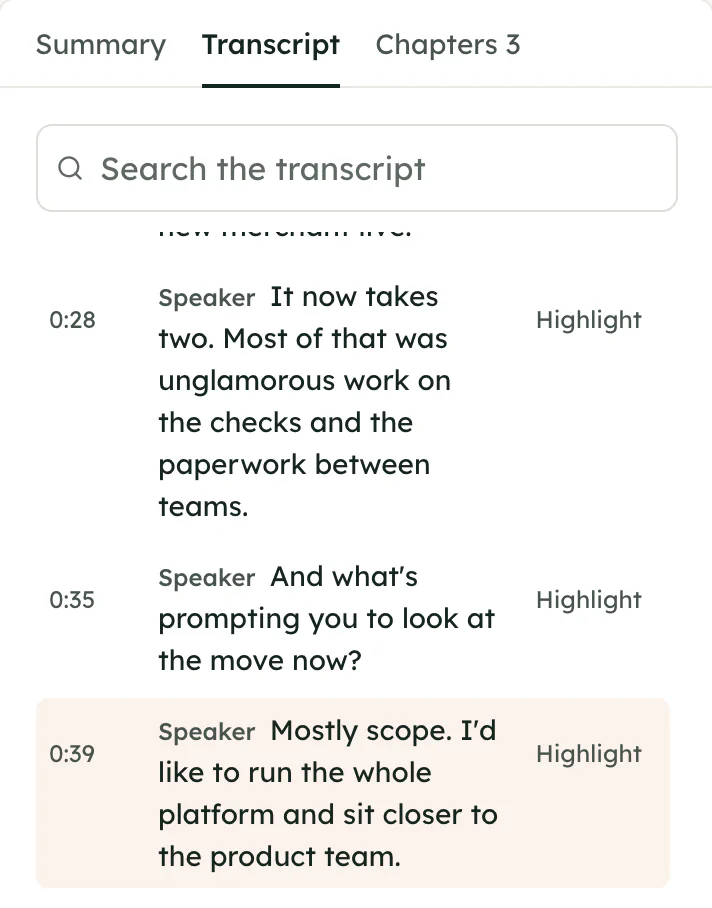
A recording's transcript, with the line being spoken marked.
Every interview in one list
Live interviews, one-way answers and the files you upload all sit under All recordings, each with its candidate, its length and who recorded it.
One-way interviews are on every plan: write the questions once, and each candidate you invite answers them on camera in their own time.
A call recorded somewhere else can be uploaded as a video file, and it gets a transcript like the rest.
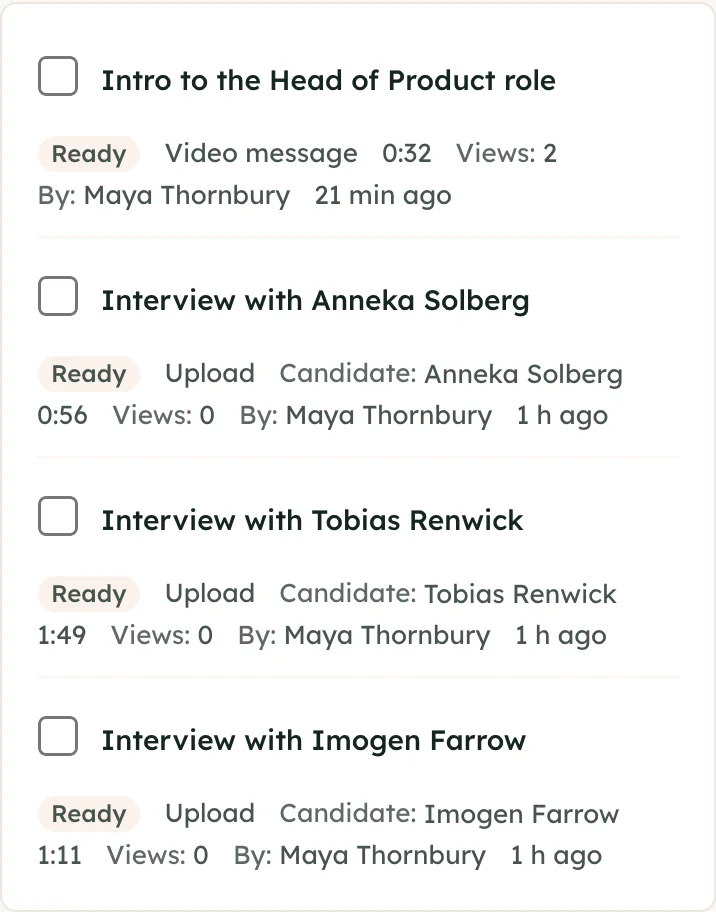
All recordings: messages, interviews and uploads in one list.
Send the interview to your client
Add the recording to a Talent Dashboard: one link, with a card for each candidate. Video, formatted CV, salary and notice sit on one card.
Your client needs no account. They open the link, watch the interview, answer yes, maybe or no and can ask for an interview of their own, all from their phone.
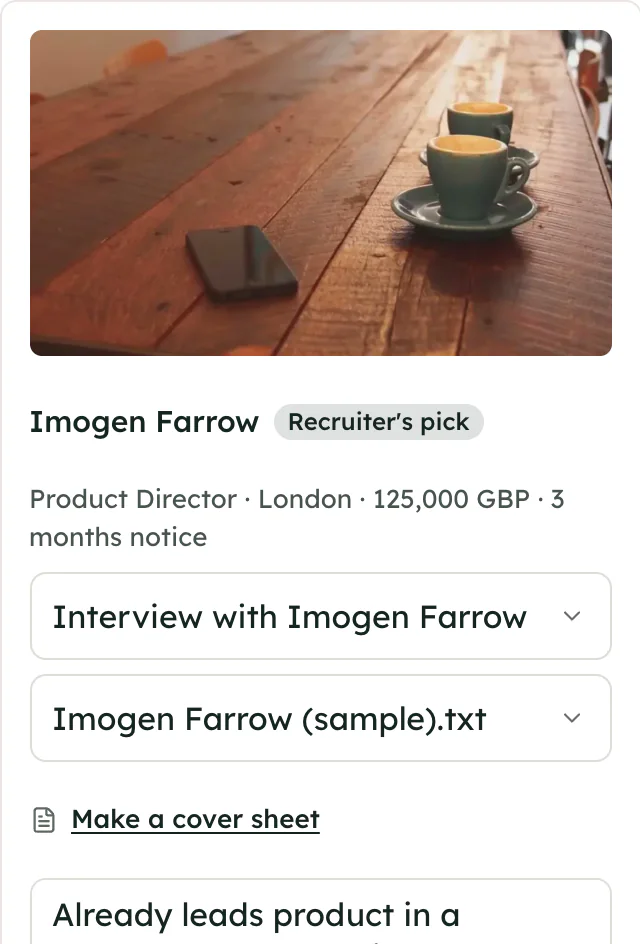
A candidate's card in the Talent Dashboard builder, with the interview and the CV chosen.
Which plans include it
Live interview rooms are on Pro and Scale. One-way interviews, transcripts and Talent Dashboards are on every plan. Recording time counts towards a monthly allowance for each seat: 10 hours on Starter, 30 hours on Pro and 60 hours on Scale. The trial is 21 days on Pro, so you can run a live interview before you pay anything.
Questions about video interviews
Does a candidate need to install anything?
No. They open a link in a current browser on a laptop or a phone, with no account to make and nothing to download.
How does consent to recording work?
In a live room every guest is asked before recording starts, and it starts only once they've all agreed. If someone joins while a recording is running, it pauses for everyone until that person has answered: it carries on if they agree and stops if they decline. Nobody is in a recording before they agreed to it, and each answer is kept with the room.
How many people can be in a live interview?
Up to 6, hosts included. Anyone who asks to join after that is told the room is full.
Can we use an interview that was recorded somewhere else?
Yes. A call recorded somewhere else can be uploaded as a video file, and it gets a transcript like the rest. It can go on a Talent Dashboard as well.
Does software score candidates?
No. Nothing in Vivolto scores or ranks a candidate, though clients can rate candidates against your criteria themselves.
Which plans include video interviews?
Live interview rooms are on Pro and Scale. One-way interviews, transcripts and Talent Dashboards are on every plan. Recording time counts towards a monthly allowance for each seat: 10 hours on Starter, 30 hours on Pro and 60 hours on Scale. The trial is 21 days on Pro, so you can run a live interview before you pay anything.
Read next
One-way video interviews
Set the questions once. Candidates answer on camera in their own time.
Client shortlists
Talent Dashboards your client opens from a link and answers from their phone.
Video messages
Record a message, send the link and see who watched and for how long.
CV formatting
Upload a CV and get it back formatted, as PDF and Word.
Vivolto and Odro
The two set out side by side, with a source on every row.
Try it on a real role
Type your agency's name and it's carried through sign-up into your new workspace. Your logo and colours go in next, then your first recording.