CV formatting software for recruitment agencies
Vivolto is CV formatting software for recruitment agencies. Upload a candidate's CV as a PDF, a Word file or a scan, check what was read, and it comes back in your agency's template as a PDF and a Word file, with the contact details taken out if that's how you send them. A cover sheet for the job can go in front.
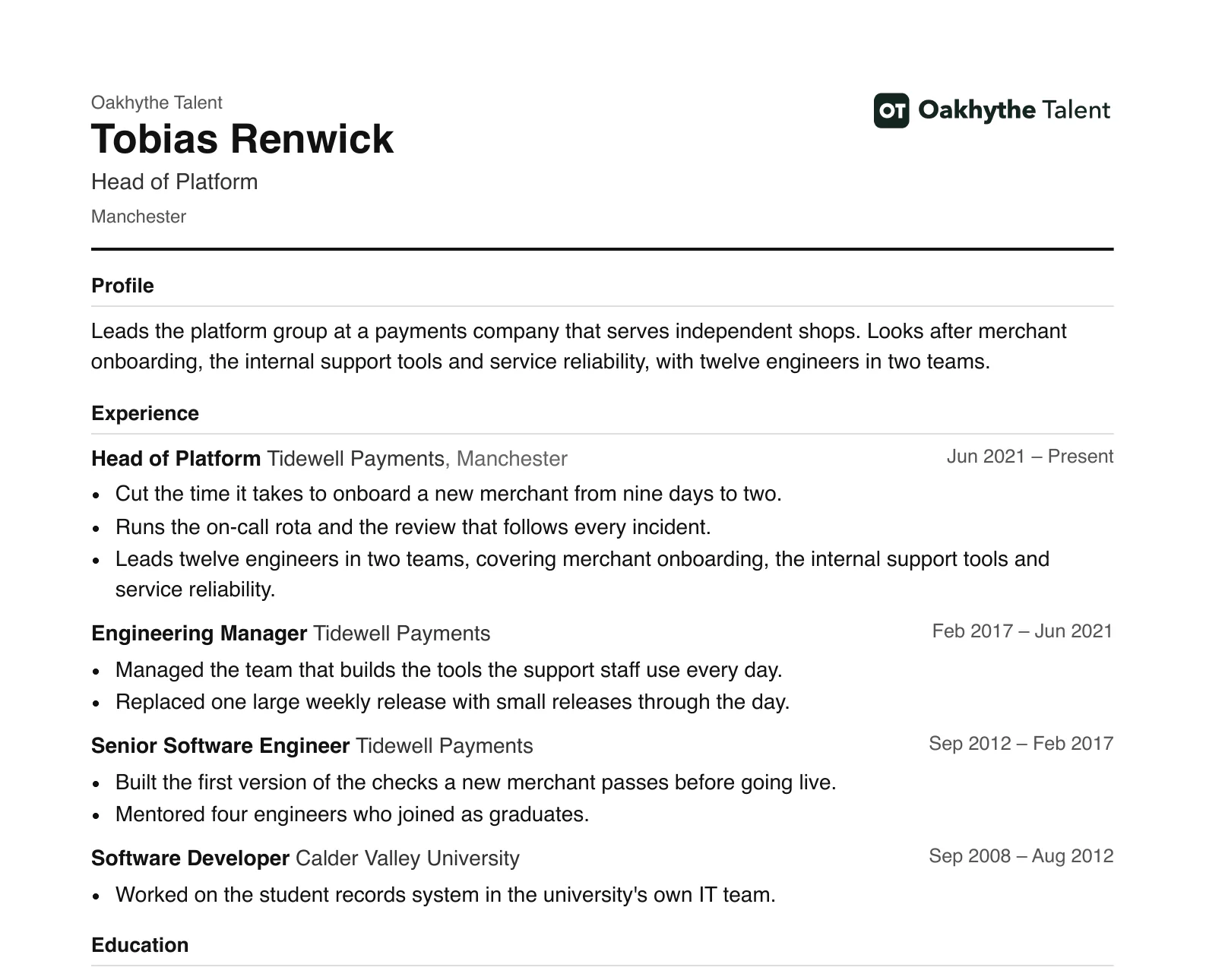
Any CV, read into a profile
Upload the CV from the candidate's page or from the CVs list. Vivolto takes PDF, Word, PNG, JPEG or plain text, up to 25 MB. A scan or a photo of a printed CV is read from the image.
The file is read into a profile with a box for each part: name, contact details, roles, education, skills. Dates and figures are kept as the candidate wrote them.
The original opens in a tab beside it, so you can check one against the other and put right anything that was misread. Whatever is in the boxes when you press Format CV is what goes into the finished files.
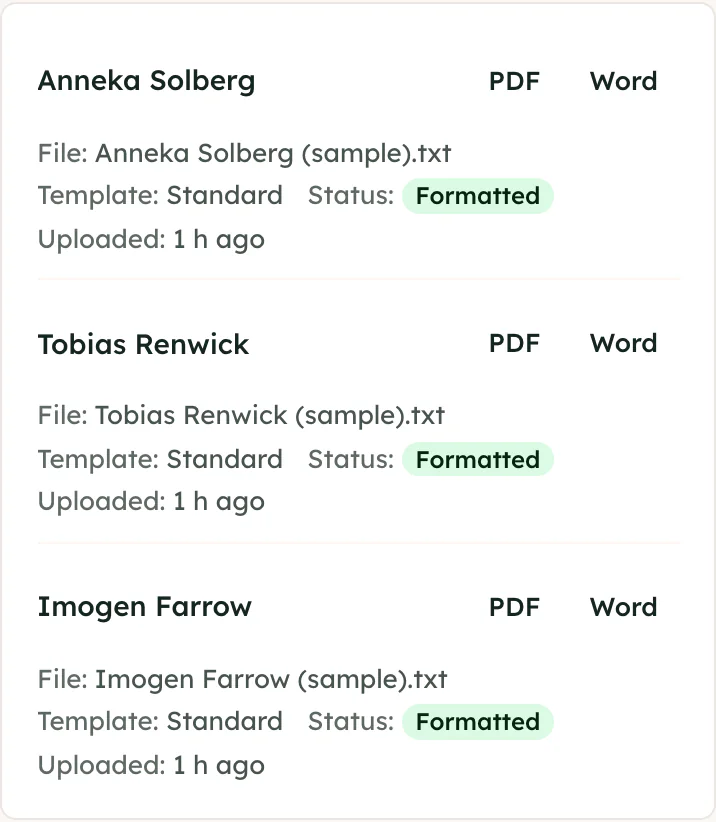
The CVs list, with each CV's template, its status and its two files.
Your template, your logo
A template sets the accent colour, a sans or serif typeface, the lines in the header and footer, and whether your logo sits at the top. It can leave whole sections out as well (Languages, say, or Certifications) on every CV in that design.
Each workspace starts with a standard template, which an owner or admin can change to suit the agency. On Pro and Scale you can add templates of your own and pick between them each time you format.
Sent one out and want it in a different design? Format again puts the same CV into another template without anything being typed twice.
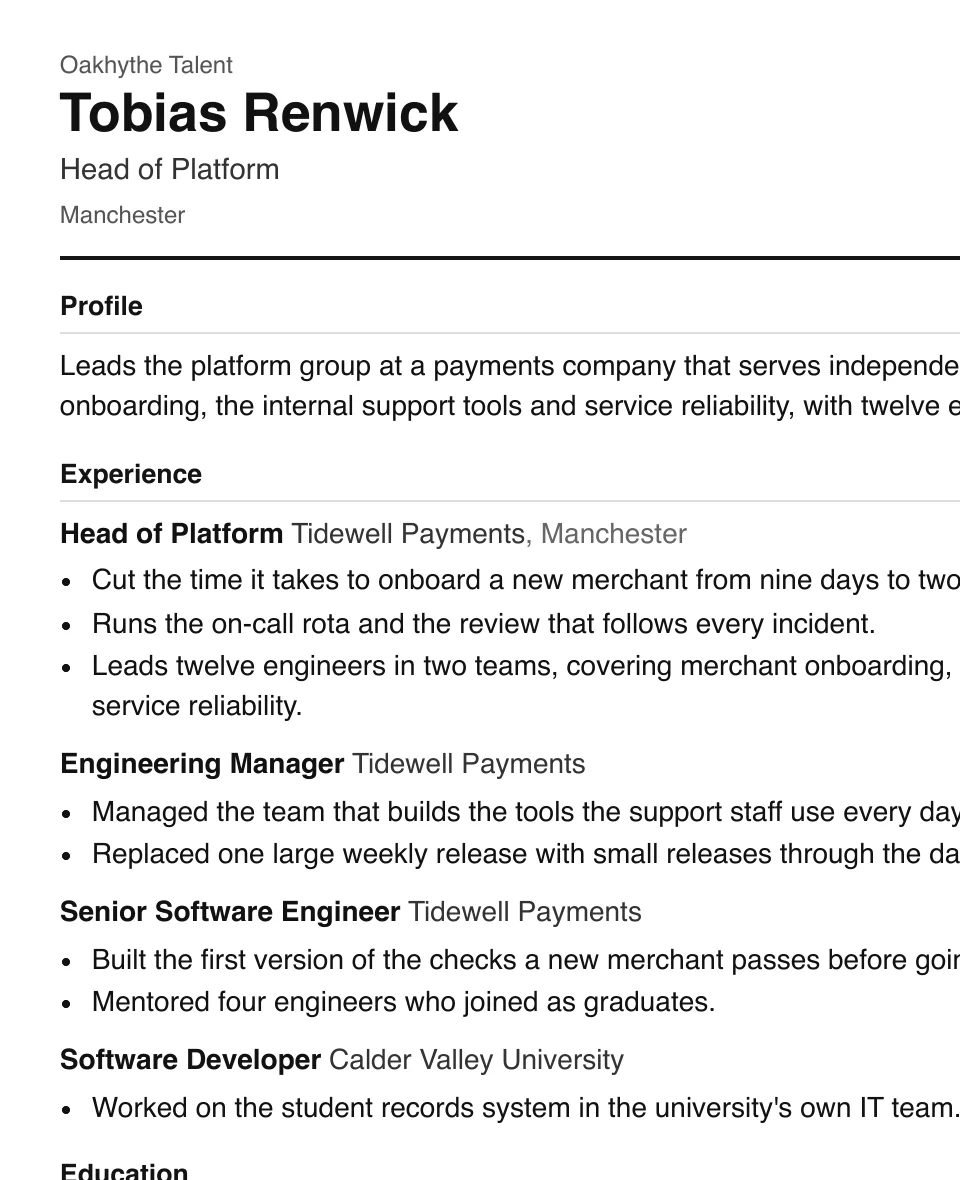
The top of a formatted CV in the standard template.
A PDF to send, a Word file to edit
Every formatted CV comes as two files, a PDF and a Word document, each named after the candidate. Download either from the candidate's page or from the CVs list.
The Word file opens in Word like any other document, so the small change a client asks for at the last minute can be made right there. If the change belongs in the CV itself, edit the profile and format it again, and both files are made afresh.
The app tells you when a CV is formatted and its PDF and Word files are ready.
Take the contact details out
There are two ways, depending on how much should go. A template has a tick box for the candidate's contact details: clear it and the line under their name (email, phone, location and links) is left off every CV in that design.
For a blind CV, switch on Anonymise when you format, which is on Pro and Scale. The template decides what comes out. It starts with name, email, phone, links and photo, and you can add location and employer names.
Afterwards Vivolto lists every change it made, the original words beside what they became, so you can read the result before your client does. The profile isn't touched, which means the same CV can be formatted again with the names back in. An anonymised Talent Dashboard (the client shortlist) shows only an anonymised CV.
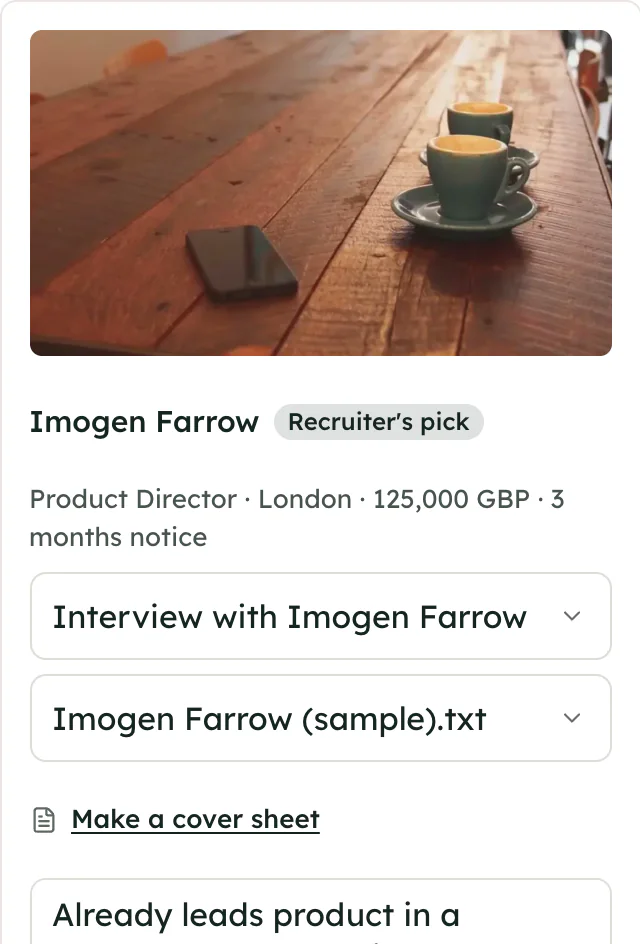
A candidate's card in the Talent Dashboard builder, with the CV the client will get chosen.
A cover sheet in front of the CV
A cover sheet presents one candidate to a client for one job. It carries their name, a strip of facts such as location, salary and notice period, a few highlights, and a closing section on what they want next.
Tick the call notes, interviews and CV it should draw on, add whatever else the client asked about, and Vivolto writes a first draft from those sources. Every line of it is yours to change.
Then make the Word file. If the cover sheet template is set to include it, the formatted CV follows the cover page in the same document. Your client reads the cover sheet on the candidate's card and can download it from there.
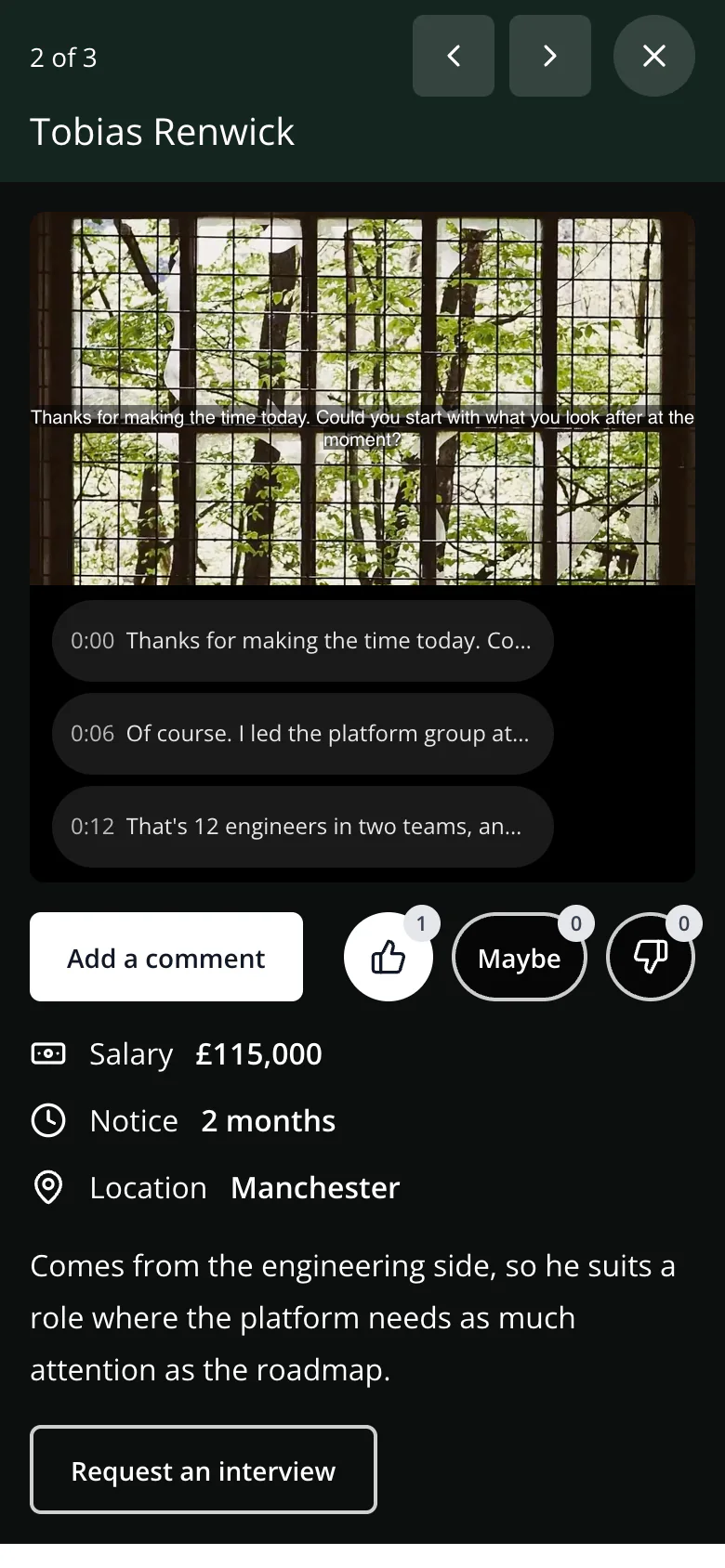
A candidate's card as your client sees it on their phone.
Which plans include it
CV formatting with the standard template is on every plan, as a PDF and a Word file, and so are cover sheets and their templates. Your own CV templates and anonymised CVs are on Pro and Scale.
Questions about CV formatting
What kinds of CV file can we upload?
PDF, Word, PNG, JPEG or plain text, up to 25 MB. An image can be a scan or a photo of a printed CV. A file of another kind, or one over the limit, is turned away before it uploads, with a line saying why.
Can formatted CVs carry our own branding?
Yes. A template sets your accent colour, the typeface, the header and footer lines and whether your logo shows. The standard template is on every plan and can be changed to suit you. Adding more templates of your own is on Pro and Scale.
Can we edit a CV after it has been formatted?
Yes, in two ways. Open the Word file and change it there, or edit the candidate's profile in Vivolto and format it again, which makes a new PDF and a new Word file.
Which details come out of an anonymised CV?
The template decides. Its list offers name, email, phone, location, links, employer names and photo, and a new template starts with name, email, phone, links and photo ticked. After formatting, Vivolto shows every change it made so you can check it before the CV goes anywhere. Anonymised CVs are on Pro and Scale.
Does Vivolto write the cover sheet for us?
It writes a first draft from the call notes, interviews and CV you tick, along with anything you type in yourself. You edit that draft until it reads the way you want, then make the Word file. If you'd sooner finish it in Word, you can upload your own finished file and clients get that one.
Which plans include CV formatting?
CV formatting with the standard template is on every plan, as a PDF and a Word file, and so are cover sheets and their templates. Your own CV templates and anonymised CVs are on Pro and Scale.
Read next
Client shortlists
Talent Dashboards your client opens from a link and answers from their phone.
Video interviews
Interview on video, read it back as a transcript and send it to your client.
One-way video interviews
Set the questions once. Candidates answer on camera in their own time.
Vivolto and Allsorter
CV formatting set beside Allsorter row by row, with a source on every row.
Try it on a real role
Type your agency's name and it's carried through sign-up into your new workspace. Your logo and colours go in next, then your first recording.