A client portal with no account to create
A Talent Dashboard (the client shortlist) is one page for one role, with a card for each candidate you're putting forward. It does a client portal's job without the account. Your client opens a link, watches the interviews, reads the CVs and answers yes, maybe or no from their phone.

A link, with no account behind it
Your client gets a link, emailed by Vivolto in your name or copied and sent by you. There's no account to create and nothing to install. It opens in the browser, on a phone or a computer.
The link is still private, and you choose how when you make the dashboard. With Magic Link, each link is made for named people, and the first time they open it they confirm their address with a six-digit code sent to it. With Password, there's one password for the dashboard and you pass it on yourself. Either way, the same browser opens the link for 30 days without asking again.
The page itself is yours: your logo and colour at the top, your client's logo beside it if you add one, and a card with your photo and email address (and your phone number, if you've added one) so they can get hold of you.
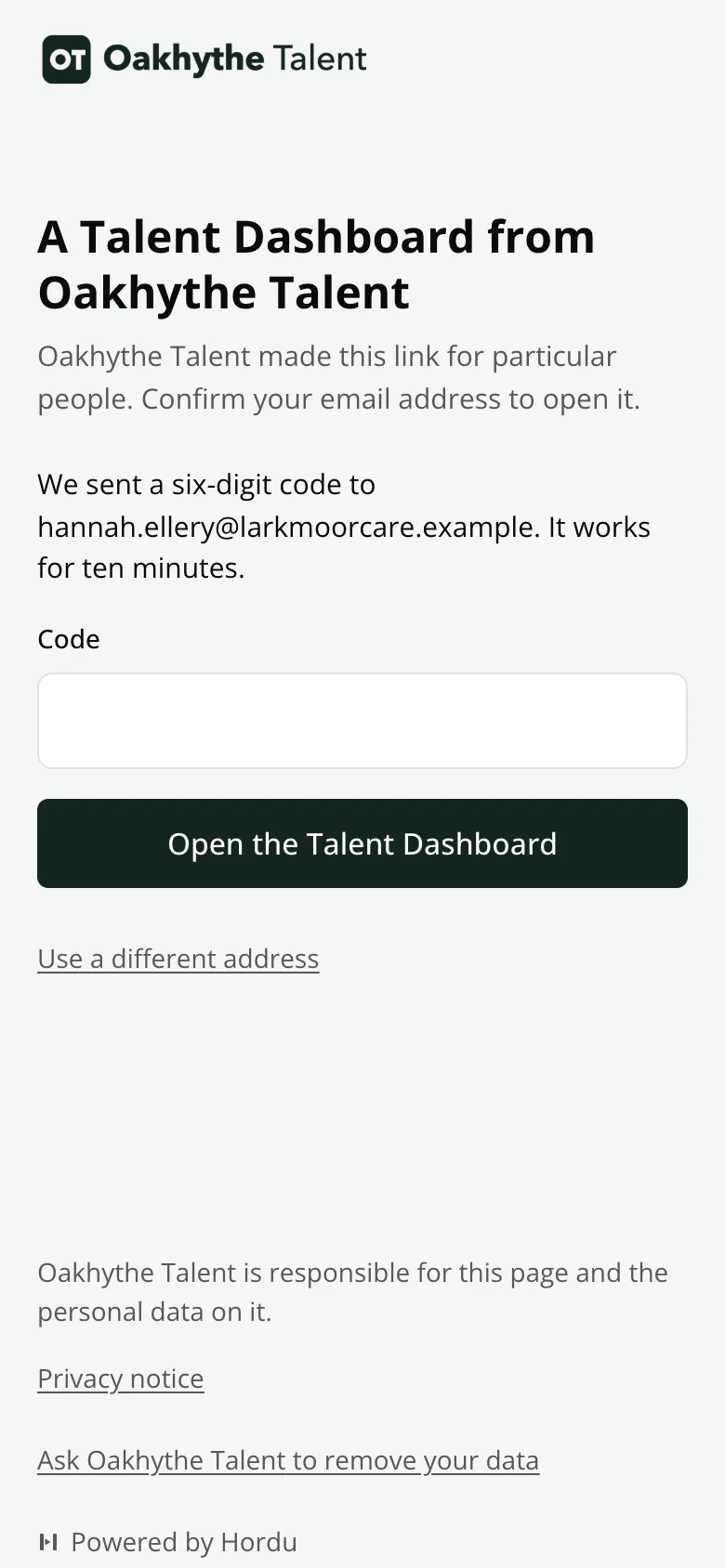
A Magic Link dashboard, asking for the code it has just emailed.
Yes, maybe or no, from a phone
Each candidate has a card. Video, formatted CV, salary and notice sit on one card. On the front are three buttons: thumbs up, Maybe and thumbs down. One press is an answer, and it shows on that candidate's card in your workspace.
The invitation email carries Yes, Maybe and No under each candidate's name as well. Pressing one opens a page with that answer picked, the client presses Confirm, and that's it done from the inbox.
- A client can change an answer, or press the same button again to take it back.
- A no asks for a reason, picked from your list or the standard one. They can leave it out.
- Set up to five criteria and clients can score each candidate from one to five against them.
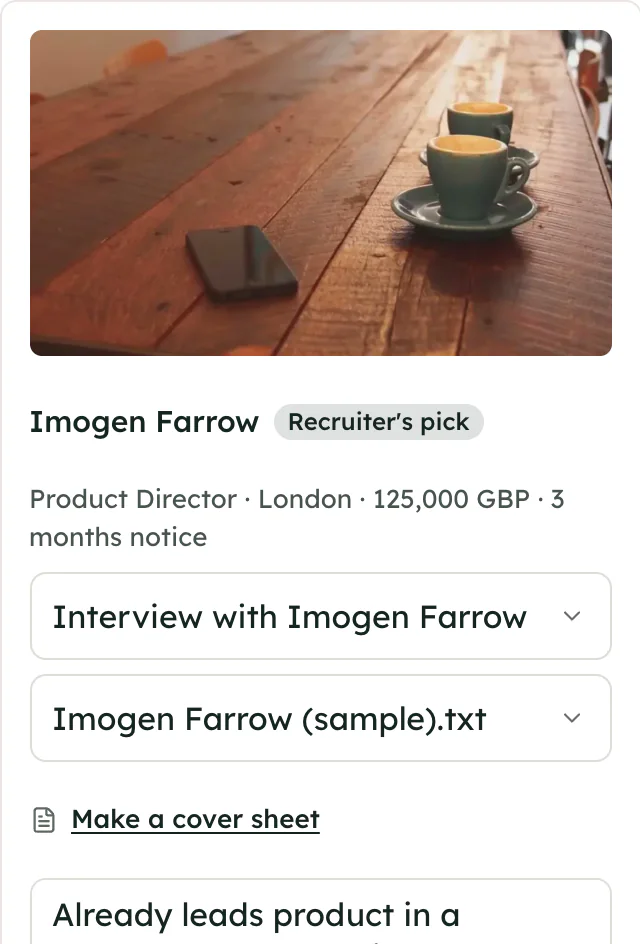
A candidate's card as you build it, with the interview and the CV your client will see.
Comments and interview requests
Open a candidate and the video plays, with the CV a tab away. Add a comment sits under it, and a client can tick a box to mark the moment in the interview they're talking about. You reply in the same thread, and they get an email with a button back to that candidate.
Request an interview is on the same screen. Offer some times and the client picks one, or suggests their own. The request then waits on your Home page and on the dashboard until you confirm or decline it, and the client is emailed either way.
Answers, comments and interview requests each have their own switch, so a dashboard can go out just for watching and reading.

A candidate opened on a client's phone, with Add a comment and the answer buttons under the video.
See who opened it and what they did
The Client activity tab lists what has happened, newest first: who opened the dashboard, which candidate they watched, each answer with its reason, then comments, ratings and interview requests.
On a Magic Link dashboard an entry has a name on it, because each person confirmed their own address to get in. On a Password dashboard you see the name and email a viewer chooses to give.
A dashboard that nobody has opened, or that's been opened and left unanswered, turns up on your Home page under Needs attention. Send a reminder yourself, or switch on automatic reminders and Vivolto sends it for you, twice at most. Each reminder has the Yes, Maybe and No buttons in it.
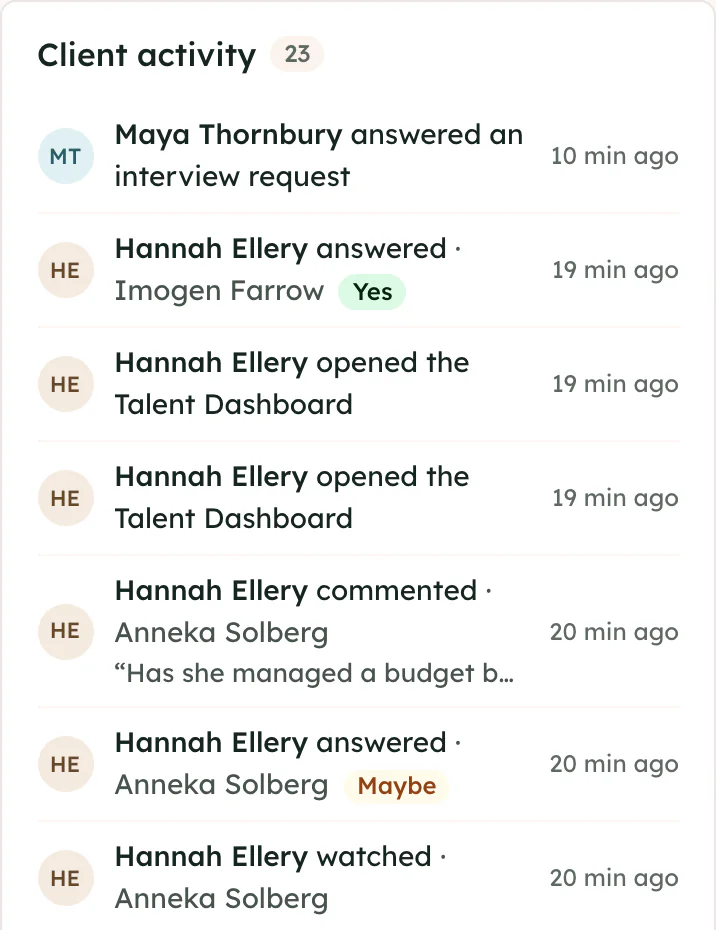
Client activity on one dashboard, newest first.
Switch a link off whenever you like
Every link is listed under Sharing, with who it's for and how often it has been opened. Turn off stops that one link for good and leaves the rest alone. Whoever opens it afterwards is told it's no longer available, and who to ask for a new one.
A Magic Link that gets forwarded won't open for anybody else, since it only works for the addresses it was made for. A password can be changed, and every link then asks for the new one.
When the role is filled, close the dashboard. Clients can still watch and read for 90 days, but they can't answer any more. Delete it and every link stops at once.
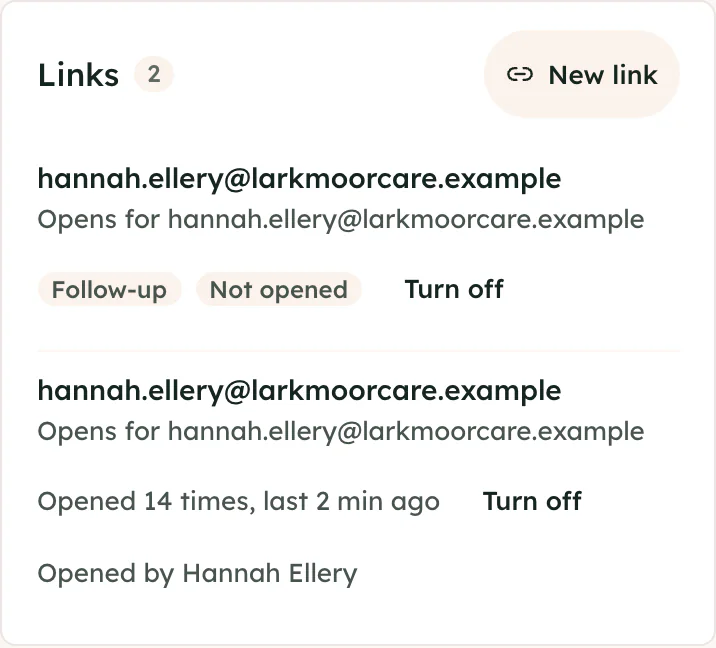
Two links to one dashboard, each with its own Turn off.
Which plans include it
Talent Dashboards are on every plan (Starter, Pro and Scale), with both ways of protecting a link, answers from the email, comments, interview requests, reminders and Client activity. Hiding candidates' names until your client is ready to meet them is on Pro and Scale. Taking the Powered by Vivolto line off the foot of the client's page is on Scale. The trial is 21 days on Pro.
Questions about Talent Dashboards
Does my client need an account or a password?
No account, ever. Each dashboard is protected in one of two ways, and you choose which: a six-digit code emailed to the address the link was made for, or a password you set and pass on yourself. After the first time, the same browser opens the link for 30 days without asking again.
What if a client forwards the link to a colleague?
On a Magic Link dashboard it won't open for the colleague, because a link works only for the addresses it was made for. Send them a link of their own. On a Password dashboard anyone who has both the link and the password can open it.
Can I send the same candidates to more than one client?
Yes. Make it a Prospect dashboard and give each client a link of their own: a client then sees only their own answers and comments. A Vacancy dashboard is for one client's role, and everyone you send it to sees each other's answers and comments, with names. The page tells a client which it is before they write anything.
Whose branding is on the page, ours or Vivolto's?
Yours. The page has your logo and colour, and your client's logo if you add one. Vivolto appears only as a small Powered by line at the foot, and that comes off on Scale.
Can candidates stay anonymous until the client wants to meet them?
Yes, on Pro and Scale. One switch on the dashboard turns names into labels such as Candidate 1 and shows only anonymised CVs.
What happens to the link once the role is filled?
Close the dashboard and its links keep opening for 90 days, for watching and reading only. Delete it and they stop straight away. An owner or admin can restore a deleted dashboard for 30 days, and its links work again.
Read next
Video interviews
Interview on video, read it back as a transcript and send it to your client.
One-way video interviews
Set the questions once. Candidates answer on camera in their own time.
CV formatting
Upload a CV and get it back formatted, as PDF and Word.
Video messages
Record a message, send the link and see who watched and for how long.
Vivolto and Candidately
The two set out row by row, sending candidates to clients included, with a source on every row.
Try it on a real role
Type your agency's name and it's carried through sign-up into your new workspace. Your logo and colours go in next, then your first recording.